

Table of Contents
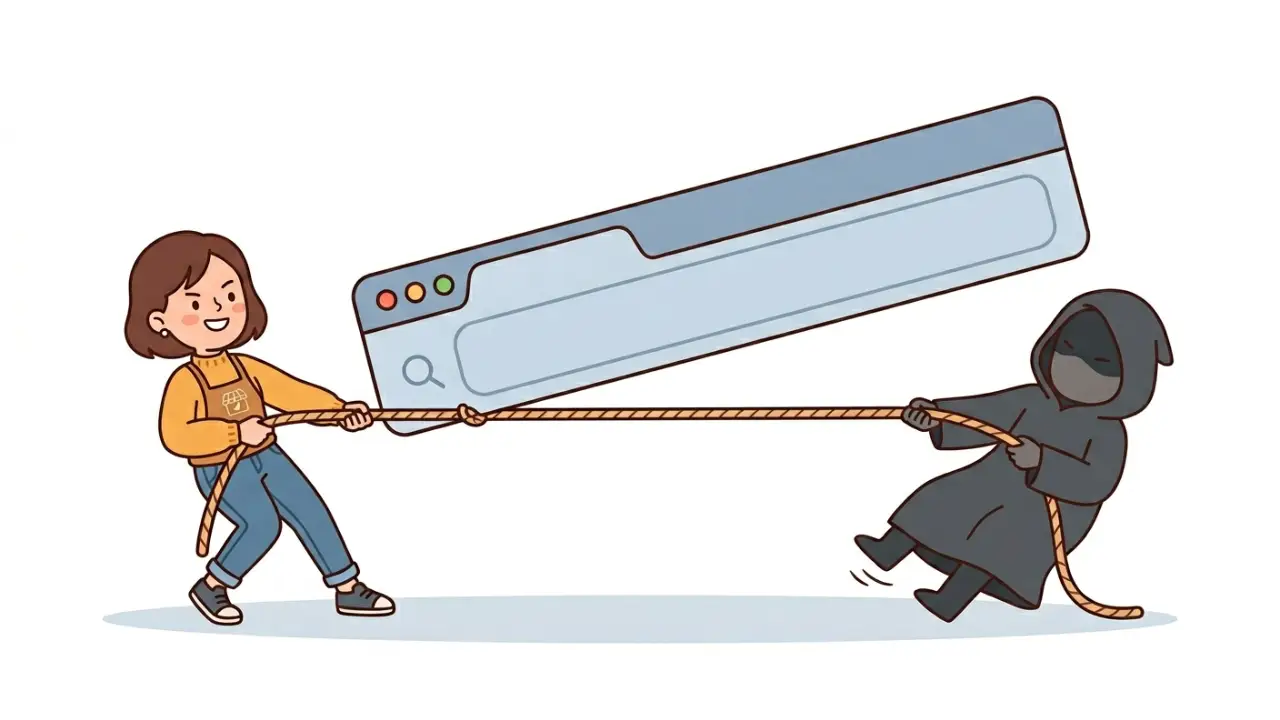
You’re switching agencies. Or maybe you’ve already been ghosted by your current one.
Either way, you need access to your domain — and they’re not giving it to you.
Short answer: stop chasing the agency. Go directly to the domain registrar.
We recently helped a client recover their company domain after their previous agency went silent for months. No lawyers. No ransom. Domain fully recovered in under 4 weeks.
Here’s exactly what we did — and what you can do right now.
Before Anything Else: Check Your Domain Expiry Date
This is urgent. Look up your domain on a WHOIS tool and find the expiry date.
If your agency controls the domain and isn’t responding, they probably aren’t going to renew it either. Once it expires, anyone can grab it — including domain squatters who will sell it back to you for thousands.
Know your deadline. Work backwards from there.
Why the Agency Isn’t Responding
Here’s what probably happened: when your agency registered your domain, they put it under their company name, not yours. The registrant — the legal owner — is them.
That means:
- They control the transfer lock.
- They hold the authorization code.
- Every official notification goes to their email.
You’ve been paying for a domain that was never legally yours. And now that you want to leave, they have zero incentive to make it easy.
Stop asking them nicely. You need a different strategy.
The Three Documents That Will Get Your Domain Back
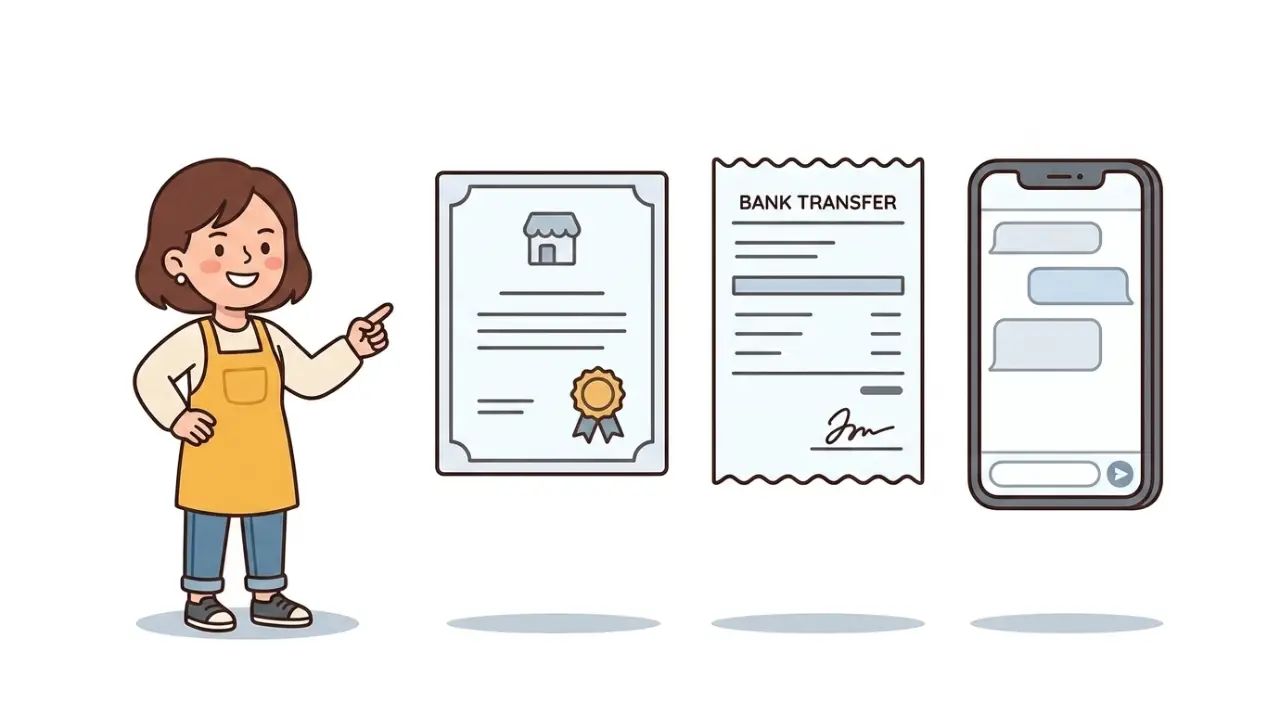
Collect these before you do anything else:
- Your company registration — ACRA BizFile (Singapore) or SSM certificate (Malaysia). This proves the domain name belongs to your business identity.
- Payment receipts — any bank transfer or invoice showing you paid the agency for domain and web services.
- Screenshots of communication — especially messages where they promised to hand over access, said “we’ll send it by EOD,” then disappeared. Broken promises are your strongest evidence.
Got all three? Good. You’re ready.
The Playbook
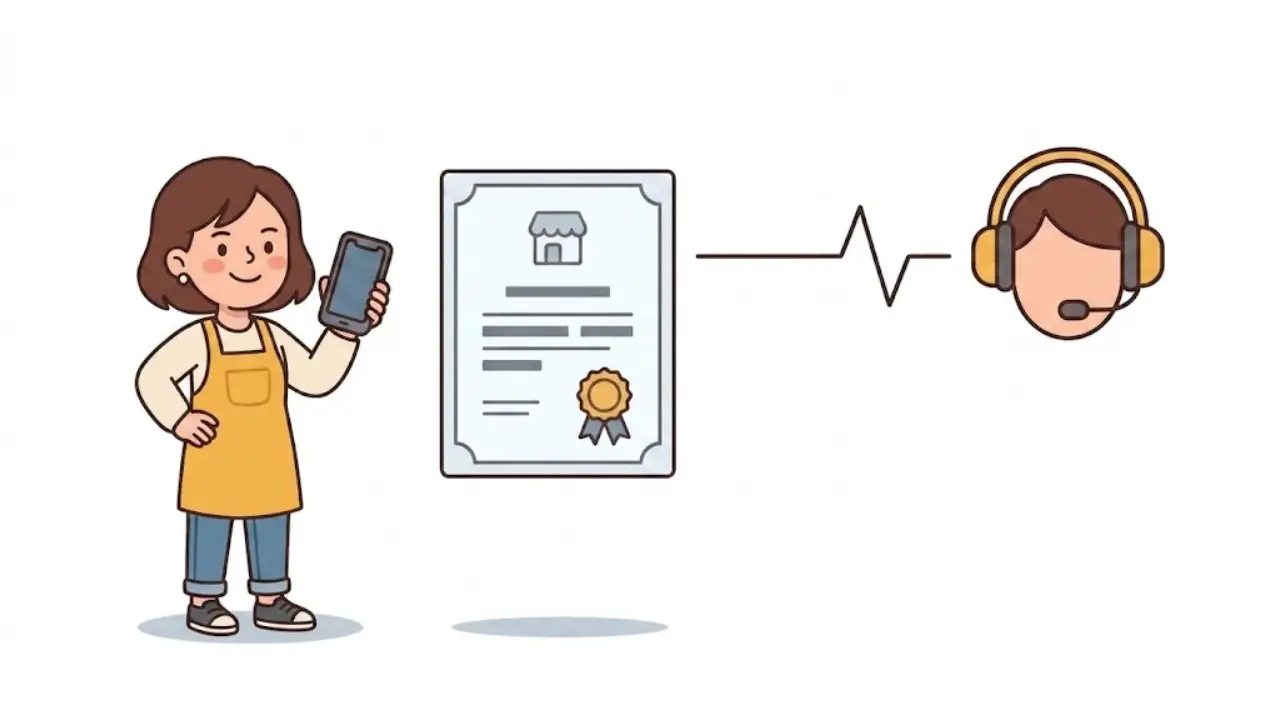
Move 1: Call the Registrar
Not the agency. The registrar — the company that actually holds the domain registration. You’ll find their name in your WHOIS results.
Call them. Not email — call. Ask two things:
- “Who is the registrant for this domain?”
- “What’s the process to transfer ownership if the current registrant is unresponsive?”
Most registrars have seen this before. Agencies ghosting clients and holding domains hostage is not new to them. They’ll tell you what to submit.
Move 2: Submit Your Claim
Email the registrar’s support team with your company registration document, payment records, and communication screenshots showing non-cooperation. Include a clear request: transfer the domain registrant to your company details.
Provide your company name, contact person, email, address, and phone number. This becomes the new registrant profile.
In our client’s case, the registrar transferred the domain billing account within 24 hours of receiving the documents.
Move 3: Update Everything
Once the registrar gives you access:
- Change all contacts — registrant, admin, tech, billing. All four should be your company’s details.
- Change nameservers — point them to your hosting provider.
- Reissue SSL — your new hosting needs a fresh certificate.
- Confirm the expiry date and renewal — make sure renewal reminders go to YOUR email from now on.
If the Registrar Says They Need the Old Registrant’s Approval
This might happen. The system sometimes requires both sides to approve a registrant change.
Don’t panic. Reply to the registrar with something like:
“The previous registrant has been unresponsive for [X months], which is why we escalated this to you. We request that you proceed with the change based on the supporting documents already submitted.”
Attach your evidence again. Registrars have internal processes for handling non-responsive registrants. They just need you to make the case clearly.
If That Still Doesn’t Work: Escalate
Every country has a domain authority above the registrar level:
- .sg domains → SGNIC, which runs the SDRP (Singapore Domain Name Dispute Resolution Policy). If the registrar doesn’t act, SGNIC will approve the transfer automatically after 7 days.
- .my domains → MYNIC, which runs the MYDRP. You can also escalate to MCMC.
- .com / .net → ICANN, which requires the losing registrar to release the domain within 5 days under the Inter-Registrar Transfer Policy.
In practice, most cases resolve at the registrar level. Escalation is your backup, not your first move.
A Real Timeline: How Our Client Got Their Domain Back
Here’s how it actually played out:
Week 1: Client asked agency for domain access. Agency said “give us a day or two.” Nothing came.
Week 2: Multiple follow-ups. Agency promised credentials “by EOD.” Still nothing.
Week 3: We called the registrar directly. Confirmed the domain was registered under the agency’s name. Submitted company registration, payment receipts, and chat screenshots.
Week 3 (same week): Registrar transferred the billing account to the client’s email within 24 hours. Client set a new password and got portal access.
Week 4: Nameservers updated. Website migrated. SSL issued. Domain contact change completed. Full control achieved.
The agency never provided the authorization code. We didn’t need it. Going directly to the registrar bypassed them entirely.
A note on expectations: Every case is different. Some registrars move fast, others require more back-and-forth. If the agency disputes your claim or the registrar’s policy requires both parties to approve, the process takes longer. But the playbook is the same — document everything, escalate methodically, and don’t give up. The system is designed to protect legitimate business owners.
Make Sure This Never Happens Again
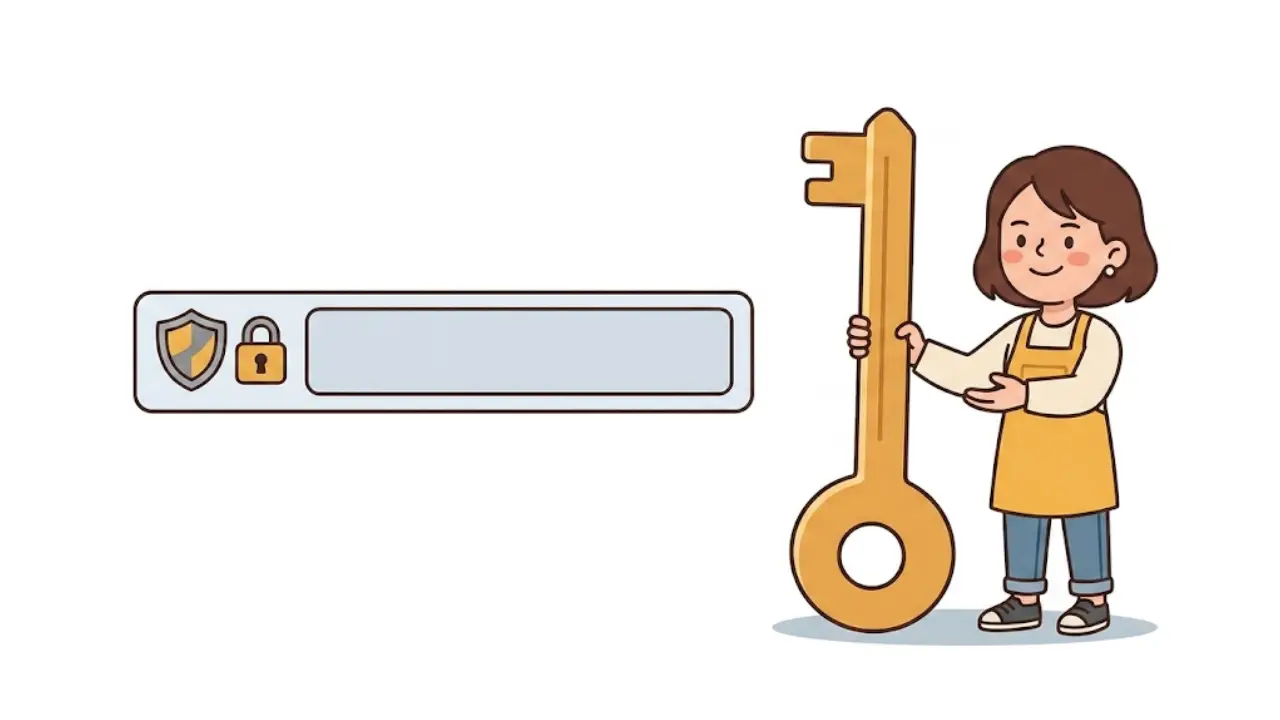
Five minutes of prevention saves four weeks of recovery:
- Register domains under YOUR company name. Even if your agency handles the setup, the registrant must be your company — not theirs.
- Use YOUR email as the admin contact. All domain notifications should go to an email you control.
- Get registrar portal access. Ask for the login URL, username, and password. If they won’t give it to you, that’s a red flag.
- Keep domain and hosting separate. You can switch agencies without touching your domain.
- Set a calendar reminder 60 days before expiry. Don’t rely on email notifications. Renew early. A lapsed domain is gone.
Your domain is your digital address. It’s how customers find you, how your email works, and how your brand exists online. Treat it like the business asset it is.
Need help recovering your domain or migrating your website?
Get in touch with us — we’ve done it before and we can help.