
Table of Contents
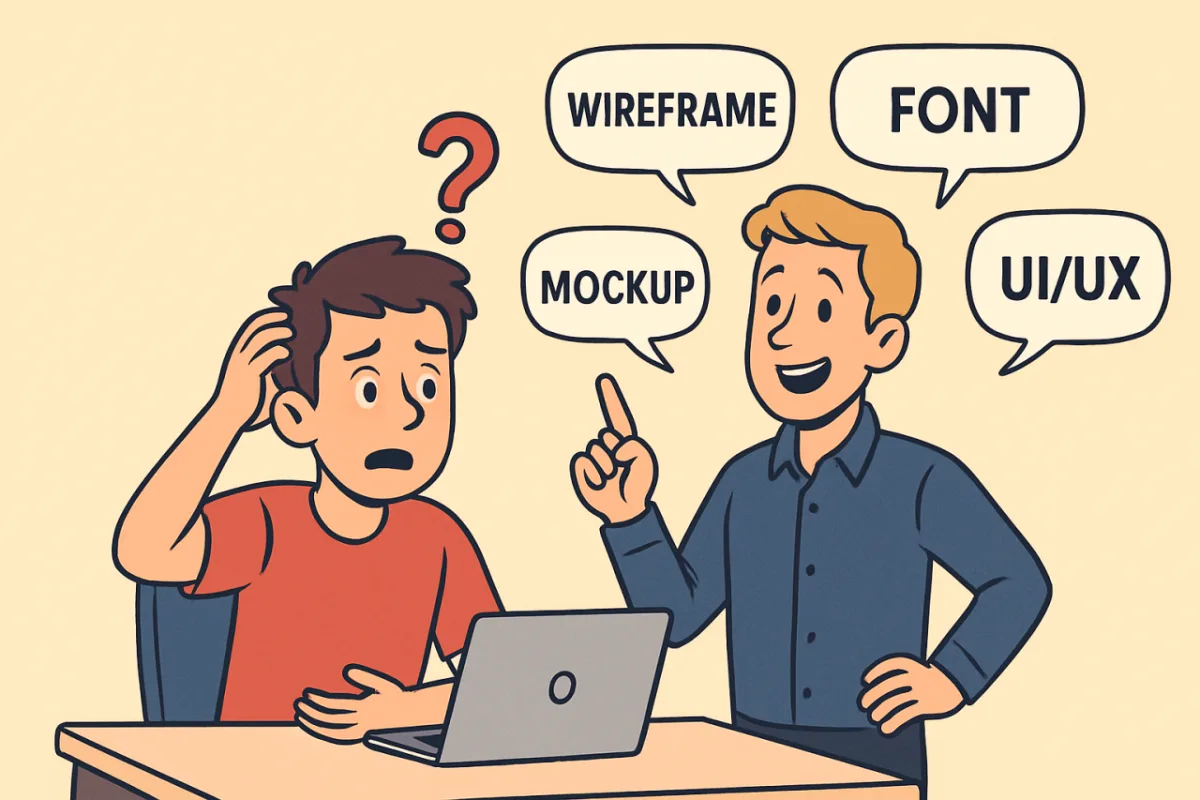
Your designer talks in code. Here’s the translation.
“Above the fold”
What they say: “This needs to be above the fold”
What it means: The part of your website visitors see without scrolling. If your most important stuff is buried, nobody sees it.
Why it matters: Visitors decide in 3 seconds whether to stay or leave. Put your most important message above the fold.
“Mobile responsive”
What they say: “Don’t worry, it’s mobile responsive”
What it means: Your website doesn’t look broken on phones. Bare minimum in 2025.
“Hero section”
What they say: “Let’s rework the hero”
What it means: That big visual area at the top of your website homepage.
Not: Anything to do with superheroes (unfortunately).
“CSS”
What they say: “I’ll handle it in CSS”
What it means: The code that makes websites look good (colors, layouts, fonts).
What you hear: Magic words that mean “trust me, it’ll work.”
“WebP”
What they say: “We’ll convert images to WebP”
What it means: Modern image format that loads way faster than JPG/PNG.
Why you care: Faster site = better Google ranking = more visitors stick around.
“Lazy loading”
What they say: “We’ll implement lazy loading”
What it means: Images load only when you scroll to them, not all at once.
Why it’s smart: Faster website = visitors don’t lose patience and leave.
“SEO vs SEM”
What they say: “Your website needs both SEO and SEM”
What it means:
- SEM = Search Engine Marketing (paid ads)
- SEO = free organic ranking
The difference: SEM costs money per click. SEO costs time and effort upfront.
“CTR”
What they say: “Your CTR is low”
What it means: Click-Through Rate – how many people actually click your button/link.
Red flag: If 1,000 people see your website but only 5 click your contact button, something’s broken.
“CRO”
What they say: “We should focus on CRO”
What it means: Conversion Rate Optimization – making more visitors actually do something (buy, contact, sign up).
Real talk: A pretty website that doesn’t convert is just expensive decoration.
“Bounce rate”
What they say: “Your bounce rate is 85%”
What it means: 85% of website visitors left immediately without doing anything.
Translation: Your website failed to convince them in 3 seconds.
“UX”
What they say: “The UX needs work”
What it means: User Experience – how easy/pleasant your site is to use.
Real example: On your website, if people can’t find your phone number in 5 seconds, bad UX.
“Whitespace”
What they say: “We need more whitespace”
What it means: Empty space around elements. Not wasted space – breathing room.
Client hears: “You want me to pay for blank space?”
Reality: Makes everything else easier to read and more premium.
“Wireframe”
What they say: “Let’s start with wireframes”
What it means: Basic layout sketch with boxes and placeholders. No colors, no images.
Why first: Proves the structure works before we make it pretty.
“A/B testing”
What they say: “We should A/B test this”
What it means: Show version A to half your visitors, version B to the other half. See which converts better.
The truth: Guessing what works is expensive. Testing is cheaper.
Confused by something your designer said? Send us the phrase. We’ll translate.
Found this helpful? Follow us on LinkedIn for design insights that actually make sense.